








Not if the migration is done correctly. The critical point is the 301 redirect plan. Every URL on your Squarespace store (under /shop/ or /store/) must redirect to its Shopify equivalent so that Google transfers the authority you’ve built up. Done well, your rankings are preserved and can even improve thanks to Shopify’s better technical performance. SEO loss in migrations almost always comes down to poorly planned or missing redirects, which is exactly what a professional process avoids.
Squarespace to Shopify Migration

Squarespace is an excellent tool for building a website, but its ecommerce started as an add-on feature rather than the core of the product. When a brand starts selling in earnest, it runs into the platform’s limits on catalogue, integrations, and checkout, and Shopify becomes the natural next step.
A migration done well brings a step change in catalogue, conversion, and room to scale. Done badly, it can cost months of search rankings. At STRAT, as an official Shopify Partner, we handle the full Squarespace to Shopify migration while preserving products, customers, orders, and SEO through 301 redirects.
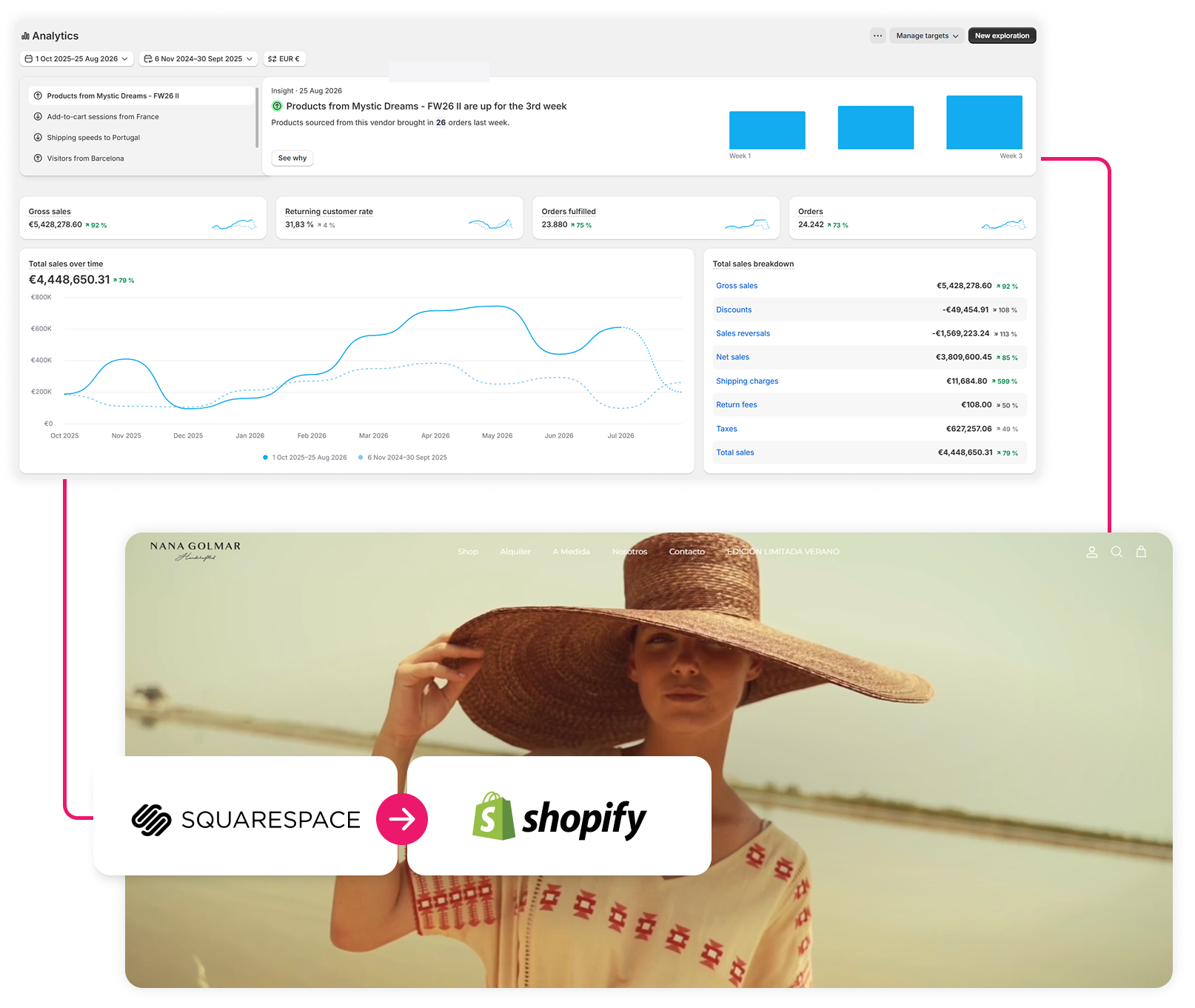
Why migrate from Squarespace to Shopify

From a website builder to an ecommerce platform
Squarespace excels at design and content, but its commerce is a layer on top of a website builder. Shopify is built around selling, with the whole system (catalogue, checkout, payments, shipping) designed for ecommerce from the ground up.

Catalogue and scaling
Squarespace limits the number of variants per product, inventory management, and catalogue options. As your range grows, those restrictions slow your operations down. Shopify handles large catalogues, variants, collections, and metafields without friction.

Checkout, payments, and international
Shopify's checkout is proven at global scale, with more payment gateways, multi-currency, and international selling capabilities than Squarespace covers to the same standard. That has a direct impact on conversion and on your ability to grow beyond your home market.

Ecosistema de apps e App ecosystem and integrations
Squarespace's ecosystem is closed and limited. Connecting reviews, an ESP like Klaviyo, subscriptions, an ERP, or loyalty tools is complicated or simply unworkable. The Shopify App Store solves natively what Squarespace requires custom work to achieve.
What we migrate from your Squarespace store
A full migration carries over all the value your store has built up without losing data or rankings. Here’s what we migrate in full from Squarespace to Shopify.
- Full catalogue: products, variants, categories, images, and descriptions.
- Customer base: accounts, addresses, and history, with their data consent. Squarespace doesn’t export these natively, so we extract them via API.
- Order history: to preserve your business records and analytics.
- Content: pages, blog, and resources with their structure.
- SEO and URLs: complete URL mapping and 301 redirects to preserve your rankings.
- Integrations: reconnecting your stack (ESP, reviews, analytics) in the Shopify environment.
Our risk-free migration process
Every migration follows a structured process that protects your data and your rankings at every stage.

1. Audit and mapping
We analyse your Squarespace store: catalogue, URL structure (/shop/, /store/), organic traffic, integrations, and data. We define the migration plan and the redirect map before touching anything.

2. Extraction and build in Shopify
Squarespace doesn't export customers or orders natively, so we extract that data via API and rebuild the catalogue in a staging environment, adapting it to Shopify's model of variants, collections, and metafields.

3. 301 redirect plan
We design the complete map of redirects from each old URL to its Shopify equivalent. Squarespace's URL structure differs from Shopify's, so this mapping is the step that preserves your rankings.

4. Go-live and validation
We launch with technical cover, validate data, redirects, integrations, and tracking, and monitor SEO behaviour afterwards to correct any drift.
What's at stake in a badly executed migration
Squarespace adds a challenge of its own. Its native export only covers part of the catalogue and leaves out customers and orders, so an improvised migration loses the entire business history. On top of that comes the usual risk of any platform change. Without a correct 301 redirect plan, Squarespace’s URL structure produces mass 404 errors that Google penalises and a drop in organic traffic that takes months to recover. If the email integrations aren’t reconnected properly, deliverability suffers too. These problems are costly and slow to reverse, and they’re the reason a Squarespace migration shouldn’t be improvised.
Official Shopify Partner
As an official Shopify Partner, STRAT is recognised for building and migrating high-performance ecommerce stores on Shopify and Shopify Plus. This partnership isn’t decorative. In a migration it’s a direct guarantee that the project is run to the platform’s official standards and technical expertise.

- Direct access to Shopify support and betas: a priority channel with the platform to resolve any issue quickly during the migration, without depending on standard support timelines.
- Official technical expertise on the platform: we migrate by applying Shopify’s official best practices for catalogue structure, variants, metafields, and architecture, making sure the new store doesn’t just replicate the old one but starts from a solid technical foundation.
- SEO preservation as a priority: the biggest risk in a migration is losing rankings. We give the 301 redirect plan and the URL structure the priority they deserve, because hard-won SEO is one of the most valuable assets being moved.
- Migration integrated with paid and retention: we don’t hand you an isolated store. The new Shopify store is connected to your acquisition and retention strategy and optimised to convert, not just to work.
Verify our credentials in the official Shopify Partners directory.
Why STRAT?

We work exclusively with ecommerce and we know the particulars of migrating from Squarespace: extracting customers and orders via API, converting the catalogue to Shopify’s variant model, and the difference in URL structure. As an official Shopify Partner, we run the process while preserving what matters most, your SEO, your history, and your deliverability.
We integrate the migration with your store’s full strategy, so the new store doesn’t just work, it’s optimised to convert and connected to your acquisition and retention. Every decision is made on business grounds, not only technical ones.
Our latest case studies
Want to migrate from Squarespace to Shopify without the risks?
Frequently Asked Questions
Yes. It’s one of Squarespace’s quirks, its native export only covers part of the catalogue and doesn’t include customers or orders. We extract that data via API and migrate it with their data consent, preserving your business history. That keeps your operational continuity, your analytics, and your retention and segmentation strategy working from day one on Shopify.
It depends on the size of the catalogue, the volume of content, and the integrations. A well-planned standard Squarespace to Shopify migration usually takes between 4 and 8 weeks, covering the audit, data extraction, staging build, redirect plan, validation, and go-live. The timeline is set in the initial audit with verifiable milestones.
Yes. We build the new Shopify store in a staging environment while your Squarespace store stays live and selling. The switch is carried out in a controlled way at go-live, minimising disruption and with technical cover to resolve any issue immediately.
We migrate it with its structure. Many Squarespace brands have content-heavy sites (pages and blog) that bring in organic traffic, so we move it to Shopify with its URL mapping and matching 301 redirects to avoid losing that ranking. Email and analytics integrations are reconnected as part of the process, a point critical to deliverability that we also handle as a Klaviyo and Omnisend Partner.